Mobile CI/CD to supercharge your build-test-release cycle
For iOS, Android, and cross-platform teams who need automated builds, same-day Xcode updates, and more intuitive YAML.

Your mobile pipeline shouldn’t be a blocker
Get to green faster with Bitrise. No more babysitting your builds, no more pipelines held together with glue code and prayers. Just connect your repo and run your first mobile build within minutes.
Read the docs


Configuration made simple
Run complex pipelines in parallel, without endless script maintenance.
Quick setup
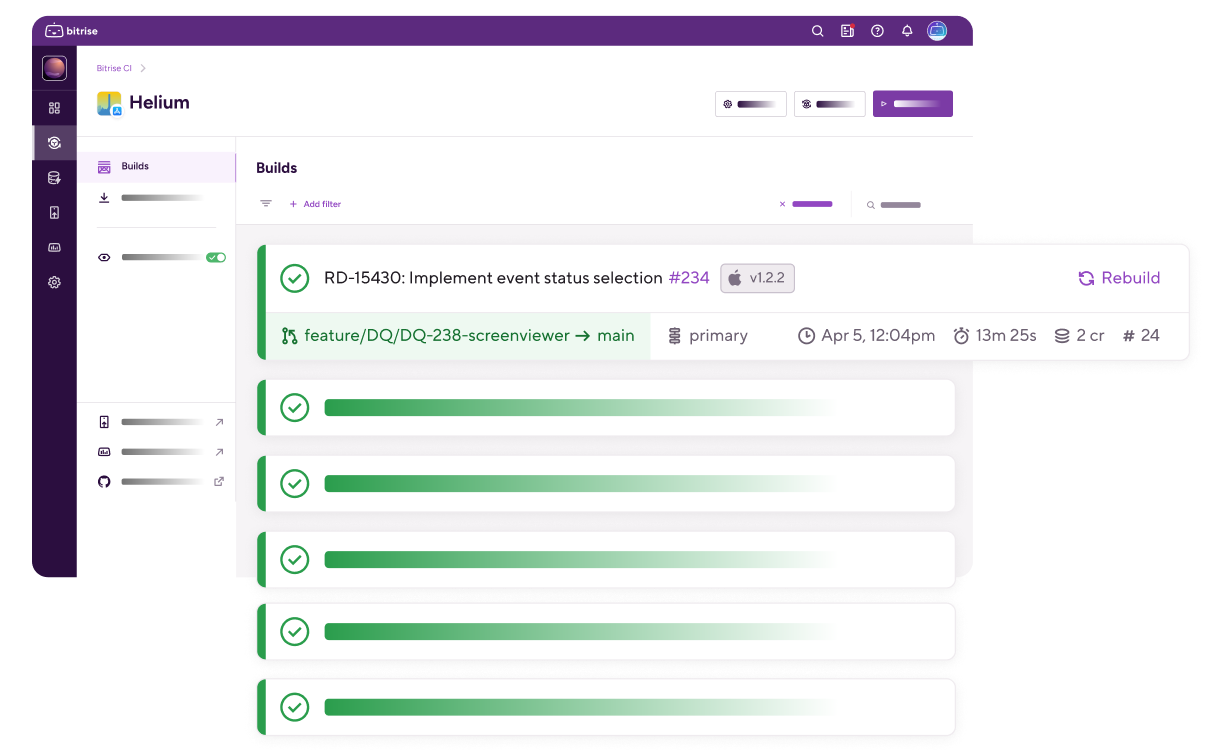
Configure a build in minutes: just pull Steps into your Workflow using the drag-and-drop editor. All key Steps are curated for mobile, and maintained by Bitrise or a verified tool provider.
Same-day Xcode updates
No more waiting weeks for iOS tool support. With fully-managed build environments optimized for mobile, you get access to all Xcode beta and stable releases within 24 hours.
Simple parallelization
Get full visibility on tasks and dependencies in the pipeline editor, and run workflows in parallel. Split tests into separate suites and run them simultaneously across multiple machines.
Modular YAML for standardized pipelines
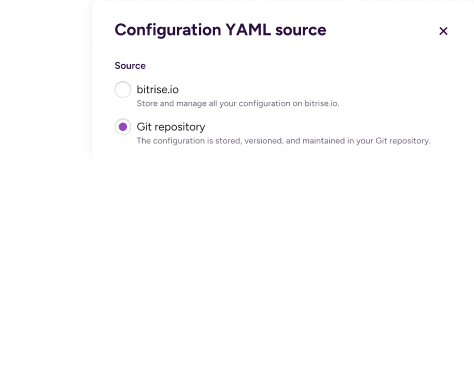
Juggling multiple apps? Modular YAML lets you reuse and share CI/CD configurations across projects. Organize your Workflows and Step collections in a central repository which can be referenced by multiple bitrise.yml files.

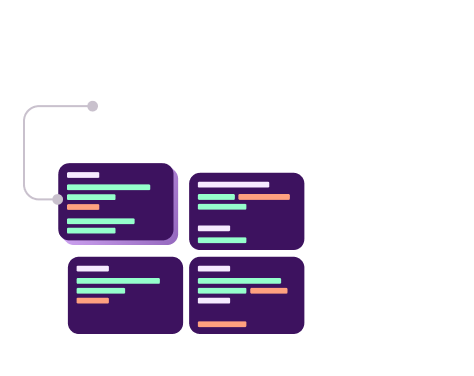
Smart build orchestration
Reduce unnecessary builds and only triggers workflows when relevant code changes.
Intelligent build triggers
Fine-tune exactly when your builds run, with granular trigger conditions and automation via webhooks and API
Run on custom schedules
Run nightly builds or weekly regression tests to catch issues early even when there are no code changes.
Full merge queue support
Full GitHub merge queue support verifies changes before merging multiple PRs, with status reporting back to your repo.
Build, test and debug faster
Shorten feedback loops and unblock your team quickly with tooling designed specifically for mobile development.
Built-in code signing
No more delayed releases thanks to expired certificates and mismatched profiles. Bitrise handles code signing automatically: iOS certificates, Android keystores, and provisioning profiles all just work.

Flexible testing at scale
Run tests anywhere: natively with XCTest, XCUITest, and Espresso, or across real devices with an integrated Firebase Test Lab license, plus Steps for Sauce Labs and BrowserStack.
Unified test reports
All your results (unit, UI, device, security tests) flow into a single dashboard with performance data, artifacts, logs, screenshots, and videos.
Flaky test detection
Automatically identify inconsistent test failures and quarantine them on separate branches, so releases don't get blocked while you investigate.
PR-native test results
Test results and flaky test flags appear directly in PR comments, so your team can triage failures without leaving code review.
Smart AI summaries and self-healing builds
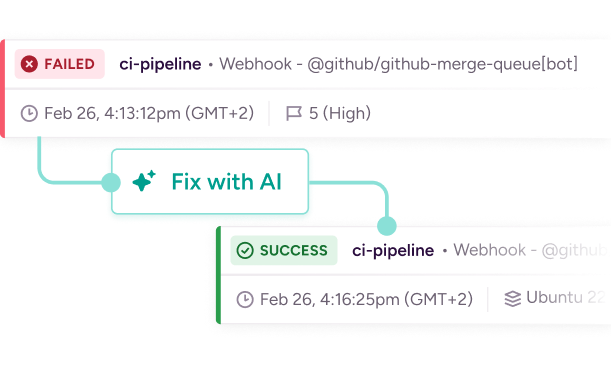
Get instant clarity on build failures with concise summaries directly in your PRs: no parsing console logs or switching dashboards. When builds break, AI Build Fixer implements context-aware fixes and automatically triggers a new build to validate the changes.
Explore AI features
Lightning-fast build infrastructure
No maintenance overheads, no struggling with generic cloud VMS. Just fully-managed cloud environments running on the latest Apple silicon and x86 Linux machines.
Fastest build machines on the market
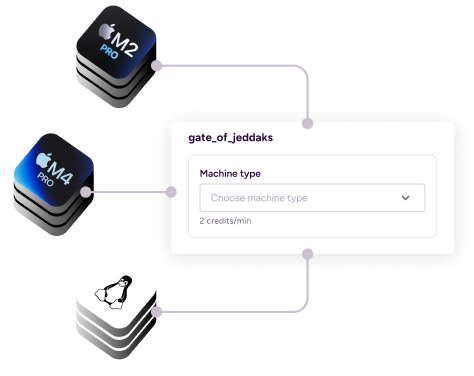
Get access to top-of-range M4 Pros and M2 Pros for iOS development, plus high-spec Linux machines optimized for Android. These are more than just your average cloud VM: they're specifically configured to handle mobile workloads.


Flexible hosting options for every team
Choose the infrastructure setup that fits your security, compliance, and operational needs. Start with our fully-managed Build Platform for zero-maintenance simplicity. Upgrade to Dedicated or Private cloud tiers for enhanced build isolation and exclusive resources.


Level up your Bitrise CI
A successful build is just the beginning. Eliminate redundancies, surface bottlenecks, and streamline your releases with more DevOps solutions from Bitrise.
Build Cache
Reduce build times by up to 90% with a co-located cache for Gradle, Bazel, or Xcode. No egress costs, no complex configuration: just faster, more efficient builds.
Release Management
Coordinate releases across iOS and Android, manage phased rollouts, and monitor app store submissions from a single dashboard.
Insights
Intuitive dashboards and in-depth analytics that help you optimize workflows and keep your team shipping faster.
CI/CD that mobile teams love
Mobile development is complicated enough. Your CI shouldn't make it worse. See why teams at Shopify, Rightmove, and Buzzfeed choose to build on Bitrise.
Talk to an expert
Pricing
Starter from $89/month | Pro from $192/month | Enterprise (custom) | |
|---|---|---|---|
| Best for | Indie devs and small teams | Growing mobile teams shipping regularly | Advanced mobile scaleups and orgs |
| Builds per month | Up to 100 | Starts from 250 | Starts from 2,000 |
| Team size | 10 seats | Unlimited | Unlimited |
| Features |
|
|
|
Frequently Asked Questions
Do I need a dedicated DevOps engineer to use Bitrise?
No. Bitrise is designed for mobile teams without dedicated DevOps support. Low-code workflows, automatic code signing, and preconfigured build environments remove the need to manage infrastructure or write and maintain scripts.
How is Bitrise different from GitHub Actions or CircleCI?
Bitrise is purpose-built for mobile development. Generic CI platforms force you to cobble together plugins for basic mobile tasks like code signing, device testing, and app store deployment - and those plugins are often unmaintained or poorly documented. Bitrise handles these natively with verified Steps, mobile-specific infrastructure (Apple silicon, same-day Xcode updates), and unified test reporting that surfaces results directly in pull requests.
Does Bitrise support iOS, Android, and cross-platform apps?
Yes. Bitrise supports iOS, Android, React Native, Flutter, and other cross-platform frameworks. When you connect your repo, Bitrise automatically scans your project type and sets up the appropriate workflows so you can get your first build running in minutes.
What are Steps and Workflows?
Workflows are the backbone of your build pipelines: they work by executing several Steps in a sequence. Steps are the individual tasks that make up a Workflow. Instead of writing scripts, you assemble pre-configured, mobile-specific Steps into Workflows using a visual editor. Verified Steps are curated by Bitrise and Verified Steps are maintained by tool providers, so you're not hunting through abandoned community plugins to find what you need.
What is a Pipeline?
Pipelines let you run multiple Workflows in parallel instead of sequentially. For example, you can run unit tests, UI tests, and lint checks simultaneously, dramatically reducing total build time. You configure parallelization visually, see exactly what's running when, and optimize compute spend without managing infrastructure or timing builds manually.
How quickly can I migrate from my current CI provider?
Most teams can get their first full pipeline set up in hours, and make the full migration in days, not weeks. Many customers run Bitrise in parallel with their existing CI during the transition to validate results before fully switching over.
What types of tests can I run on Bitrise?
You can run unit tests, integration tests, UI tests, and end-to-end tests on simulators, emulators, or real devices. Bitrise integrates with testing frameworks like XCTest, XCUITest, Espresso, and testing platforms like Firebase Test Lab, Sauce Labs, and BrowserStack. Test results surface directly in pull requests with screenshots, videos, and logs.
How does flaky test detection work?
Bitrise automatically retries failed tests and flags tests that fail inconsistently as flaky. This separates real failures from environmental noise: particularly important for mobile testing where simulators and devices have inherent variability. Enterprise customers can quarantine flaky tests to specific branches while you fix them, so they don't block releases.
What machine types are available?
Bitrise offers the largest selection of Apple silicon machine types available, including M2 Pro and M4 Pro, plus high-spec Linux machines optimized for Android builds. We also provide same-day Xcode updates when Apple ships new versions, so you can test against the latest iOS immediately.
How does pricing work?
Bitrise uses a flexible pay-per-build pricing model. Pre-paid packages come with a set number of builds, regardless of build duration. This means you won’t run up an unexpected bill if your build times spike as your app grows in size and complexity. The Free plan includes enough credits for an individual project. Our Starter plan gives you up to 100 builds at $89 per month. The Pro plan starts at $192/month with unlimited usage and up to 10 concurrent builds. Enterprise pricing is customized based on your team's scale and requirements.